
PAGCOR Online Casino App List: How to Match an App to Its Operator
PAGCOR does not run an app store. This guide explains what the regulator actually publishes, how to match an app to an operator name and a registered domain, and where a match stops being evidence.
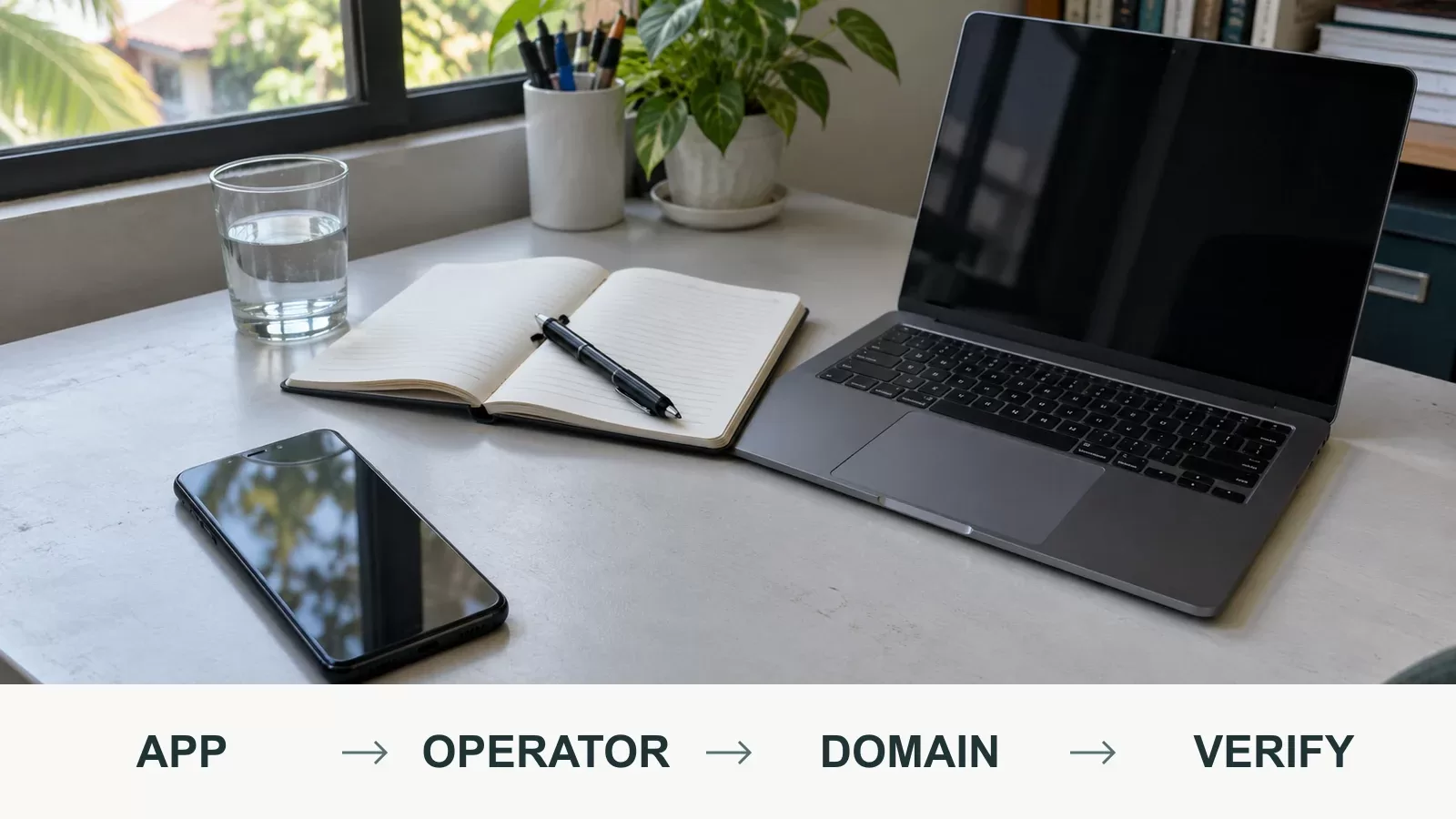
Verification notes
- Checks
- Compare the operator name and the exact registered domain in PAGCOR's published documents.
Confirm the publication date of the document you are reading.
Install only from a download page reached through the registered domain. - Warning signs
- APK files sent through chat or social messaging.
The same brand appearing in more than one app with different addresses.
A screenshot of a list with no publication date attached. - Next steps
- If the two fields do not match, stop before depositing and keep the address, the message and screenshots.
If money has already moved, contact the wallet or bank promptly and keep the transaction reference.
Search for a PAGCOR online casino app list and you will find screenshots, forwarded PDFs and third-party directories. None of those is the list itself. PAGCOR publishes licensing and accreditation records; your task is to match the app you were shown to one operator name and one registered domain inside them.
What this page is not: it is not a list of recommended apps, and it does not certify any operator. It explains what the regulator actually publishes, how to read it, and where a match stops being evidence.
Why there is no official app store for PAGCOR-licensed casinos
PAGCOR regulates gaming operators and registers the brands and domains they are authorised to use. Apps are distributed by operators themselves — through a download page on their own website, through an APK file, or through a general app store. None of those distribution channels is a licensing registry.
That gap is what “PAGCOR casino app list” searches are really looking for, and it is also where most confusion starts. A ranking inside a third-party “top apps” article is a marketing claim. A store listing proves somebody uploaded a package. Neither tells you whether a corporate entity holds a current authorisation for that brand and that address.
What PAGCOR actually publishes
Four different sources get mixed together in searches. They answer different questions, and only the first two come from the regulator.
| Source | What it contains | What it does not do |
|---|---|---|
| PAGCOR’s regulatory publications (pagcor.ph/regulatory) | The licensing framework, regulatory announcements, and published accreditation and registration documents. | It does not rank operators, and it does not endorse an app. |
| Published lists of accredited service providers and registered brands, domains and URLs | Corporate names, brands and the domains registered to them, as recorded at the time of publication. | It is a snapshot. Publication dates differ between documents. |
| The operator’s own terms of service | Who the operator says it is, which authority it claims, and who is allowed to play. | It is written by the operator, not by the regulator. |
| An app-store listing or APK file | A package name, a developer label and screenshots. | Publishing a package is not a licence check, and developer labels can be copied. |
The five-minute routine
The order matters. Reading the app first and then looking for something that agrees with it is how clones survive.
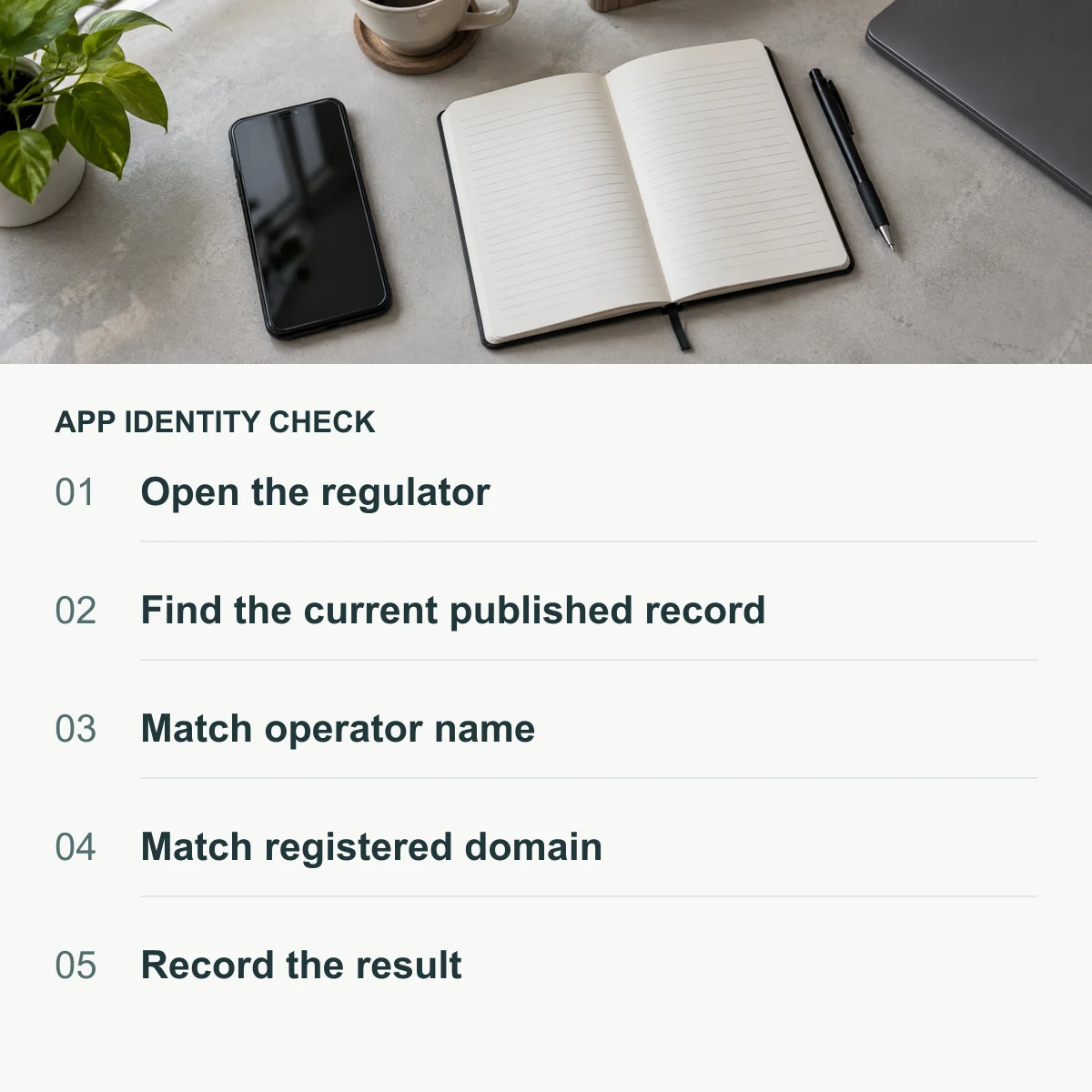
- Open the regulator yourself. Type the address or use your own bookmark. Do not start from a link inside a chat message, a comment thread or the app you are checking.
- Find the current published document. Note its own date. A screenshot saved months ago is not the current record, and lists are reissued.
- Match the operator name. What is licensed is the corporate entity. The brand in the lobby is a trading name sitting on top of it.
- Match the registered domain. Compare it character by character against the address you actually opened. One added, removed or swapped letter is a different address.
- Record what you saw. Save the date, the document and the two fields you compared. If a claim changes later, you will have something concrete to compare it with.
This routine is deliberately narrow. If you want the wider picture — including what a licence claim does and does not cover, and why a foreign licence is not a substitute — see how to check a PAGCOR licence.
Reading a registry entry without over-reading it
The most common mistake is treating a match as a verdict. It is a starting point that removes one specific risk: that you are looking at an unregistered brand or an unregistered address.
| What a match establishes | What it still does not establish |
|---|---|
| The corporate name and the domain appear in a document the regulator published. | That the app file you installed was packaged and signed by that operator. |
| The brand you are looking at is registered rather than invented for a landing page. | That withdrawals will be fast, or that a promotion’s terms will be applied the way the banner implies. |
| The operator is subject to Philippine rules on identity checks, player protection and anti-money laundering. | That any individual game’s return matches a published figure, or that a game title is the version you think it is. |
| There is a regulator you can point to if something goes wrong. | That a dispute will resolve in your favour, or that a claim will be handled quickly. |
The app-store problem: sideloads, clones and re-uploaded APKs
Installing an app is the step where verification most often gets skipped, because the file usually arrives from somewhere convenient rather than official.
- APKs sent through chat. A file forwarded through Telegram, Viber or Facebook Messenger has no provenance you can check. Treat it as hostile until the opposite is proven, and in practice that is not provable.
- Lookalike domains. Clones copy the layout, the logo and even the customer-support script. The tell is the address, not the design.
- Third-party “official app” listings. A search result labelled official is a label, not a source. Install only from a download page reached through the registered domain.
- Shortened links. A short URL hides the destination and can be re-pointed later, after you have already trusted it once.
Two related guides go deeper on the mechanics: payment safety and scam warning signs, and how to verify a gaming website through PAGCOR. If the app’s identity depends on a link you received, start with the second one.
When the app you were shown is not on the list
Not appearing is a result. It means you could not establish the two fields that matter, and the sensible response is to stop before money moves rather than to test the platform with a small deposit.
- Do not deposit. A small “test” deposit is still a deposit into an unverified account.
- Keep the evidence: the exact address, the message that sent it, screenshots of the download page, and any chat log.
- If you already paid, contact your e-wallet or bank promptly and keep the transaction reference. Delayed reports are harder to act on.
- If a brand is being impersonated, the operator’s own support channel is the right place to report it — reached through the registered domain, not through the message that contacted you.
Why the list you find today may not be the list next quarter
Regulatory documents are reissued, brand and domain registrations are updated, and the operator behind a domain can change. Through 2026 the Philippine online gaming framework has also been tightening in ways that affect players directly, including stricter identity verification before withdrawal and clearer restrictions on how operators may advertise outcomes.
The practical consequence is simple: treat any list as dated material. Check the document’s own publication date, and re-run the two-field match if you are returning to an app you verified months ago. A saved screenshot is a record of what was true once, not a current claim.
Common questions
Is there an official PAGCOR app that lists licensed casinos?
No. PAGCOR publishes regulatory and accreditation documents rather than a consumer app directory. Any app presenting itself as an official PAGCOR directory is not one.
Does a PAGCOR licence make an app safe to install?
It means the operator and brand you matched are subject to Philippine regulation. It does not verify the specific file you installed, so check the download source separately.
How do I find which app belongs to a licensed operator?
Work from the record to the app, not the other way round: find the operator name and registered domain in the published documents, then open that domain yourself and use its own download page.
Can I verify an app by its logo or by HTTPS?
No. Logos are image files that can be copied, and an HTTPS padlock only means the connection is encrypted — it says nothing about who operates the site.
What if two apps use the same brand name?
That is the situation to expect. Compare the registered domain rather than the brand, and treat the app whose address does not appear in the record as unverified.
Does a licence cover the app, the website, or both?
Registrations are recorded against brands and domains. Whether an app is distributed under that registration is something the operator should be able to demonstrate, which is another reason to download only from the registered domain.
Sources and review
Primary reference: PAGCOR’s regulatory publications at pagcor.ph/regulatory, checked on 6 October 2026. Reading order and warnings are editorial judgement, not regulatory findings.
This is an educational article prepared with AI assistance using the linked sources. It does not claim first-hand testing of any operator, and it is not legal advice or a recommendation to play.
Editorial methods and corrections