Payment Safety in the Philippines: How to Spot Scams
Recognise payment scam warning signs, protect your account details and find official GCash, Maya and BSP reporting routes in the Philippines.
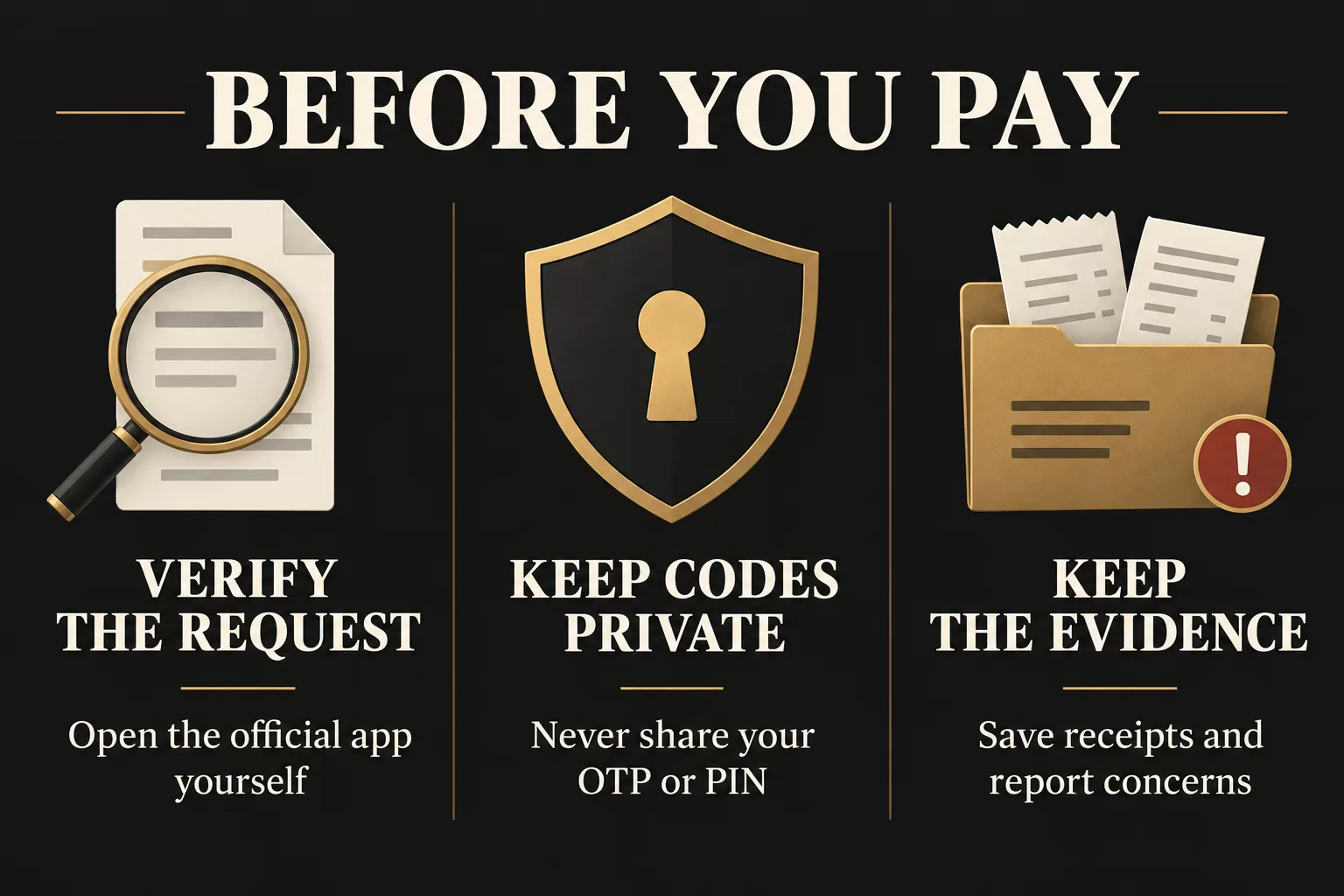
Before sending money, independently verify the request, keep authentication codes private, and check who will receive the payment. If a message pressures you to pay immediately, pause and open the provider’s official app yourself. If money has already moved unexpectedly, contact the provider promptly rather than waiting for a stranger to fix it.
This guide helps readers in the Philippines recognise payment warning signs and choose an appropriate reporting route. It is based on public official guidance, not a hands-on test of a wallet or gambling operator. Mentioning GCash or Maya does not establish that either supports a particular gambling transaction.
Before you pay: a practical safety check
- Verify the channel. Leave an unexpected message and navigate independently to the official app or website. Do not let the sender choose the page where you enter account details.
- Understand the request. Identify the purpose, amount and intended recipient. If the displayed recipient or the explanation is different from what you expected, stop and seek clarification through a verified channel.
- Protect access to your account. Do not tell another person your OTP, MPIN or password, including someone claiming to be support.
- Keep a record. Save the payment request and any applicable written terms. After a transaction, retain its reference and receipt privately.
This checklist is our editorial synthesis, not a guarantee that a payment is safe. BSP’s Check, Protect, Report guidance recommends verifying sources, protecting account information and reporting suspicious transactions to the bank or e-money issuer.
Warning signs worth stopping for
An unexpected reward that requires money first
A message may promise a prize or other benefit, then demand a transfer before you can receive it. GCash identifies unexpected offers and pressure to act quickly as scam warning signs. Do not treat urgency as evidence that an offer is genuine. Its account-protection guidance also warns against people buying or renting your account.
A familiar sender name with an unfamiliar instruction
Maya explains that spoofed messages can impersonate a trusted sender. A familiar-looking message thread is not enough to authenticate a request. Its text-spoofing guidance says Maya does not ask for your app password or OTP through messages. Reach support independently instead of replying with sensitive details.
A request for codes presented as verification
Keep two actions separate: entering a code yourself within a verified official flow, and giving that code to someone else. GCash says it does not ask for your MPIN or OTP. That warning does not establish that every identity check is fraudulent; a request involving documents must be checked against the provider’s own requirements and submission channel. This article does not validate any operator’s KYC process.
Identify the problem before choosing a reporting route
- You were persuaded to send money
- Describe the deception and the transfer accurately. GCash treats being tricked into sending money as a scam transaction and provides a dedicated report route.
- You see a transaction you did not authorise
- Tell the provider that you suspect unauthorised access or activity. Do not describe it as a routine delay or wait for a general processing period.
- A transaction is pending or delayed
- A delay alone does not establish fraud. Check the official transaction status and service notices, then ask support about the specific reference. Maya’s contact page links to its service-status information.
See the separate routes in GCash’s scam-reporting guidance and the support options on Maya’s official contact page. If there are signs of account compromise, treat those signs as urgent even when a transaction also appears pending.
If you suspect a scam, stop further exposure
- Stop following the suspicious person’s instructions. Do not send another payment merely because they promise it will resolve the first one.
- Contact your provider independently. Explain what happened and ask what account-protection and reporting actions apply.
- Preserve evidence. Keep receipts, reference numbers, timestamps, messages and prior support tickets. Share sensitive evidence only through verified reporting channels, not in public comments.
- Keep your report factual. Separate what you observed from what you suspect, and retain the case reference for follow-up.
Maya asks customers to prepare relevant screenshots, prior communications, transaction receipts and ticket references. Its contact page also explains emergency assistance for suspected unauthorised transactions. Do not post passwords, OTPs or full card details while asking for help.
Where to report
GCash
GCash’s official instructions direct users to select the affected transaction in the app, open Get Help and choose Report as scam. The same guidance recommends reporting the scammer to the PNP or NBI and blocking them. Use the current instructions if the app changes. Reporting does not guarantee recovery of the money.
Maya
Maya provides Help Center access through Profile, then Get help. For telephone or emergency support, use the details on its official contact page. A reply or investigation update is not a promise of reimbursement.
An unresolved complaint involving a BSP-supervised institution
BSP’s Consumer Assistance Mechanism concerns products, services and conduct of BSP-supervised financial institutions. First lodge a formal complaint with the institution involved. For escalation, BSP’s reporting guidance says to retain the institution’s complaint reference. This is not a universal route for resolving every merchant or gambling dispute, and it does not establish that BSP will order a casino payout.
Keep payment safety separate from platform verification
A payment logo on a website is not evidence, by itself, of official support, regulatory status or a guaranteed withdrawal. For claims about a gambling operator, use our separate PAGCOR licence-checking guide. For conditions attached to a promotion, read wagering requirements explained. Neither check replaces the need to verify the actual payment request.
Sources and editorial scope
Official sources checked on 27 September 2026: BSP Verifier and Consumer Assistance Mechanism; GCash account protection and scam reporting; Maya contact and text-spoofing guidance, linked beside the relevant statements above. Prepared by LEGITCASINO Editorial under our editorial policy. General consumer information, not a determination of liability or a promise of recovery. This article contains no affiliate or registration links.